
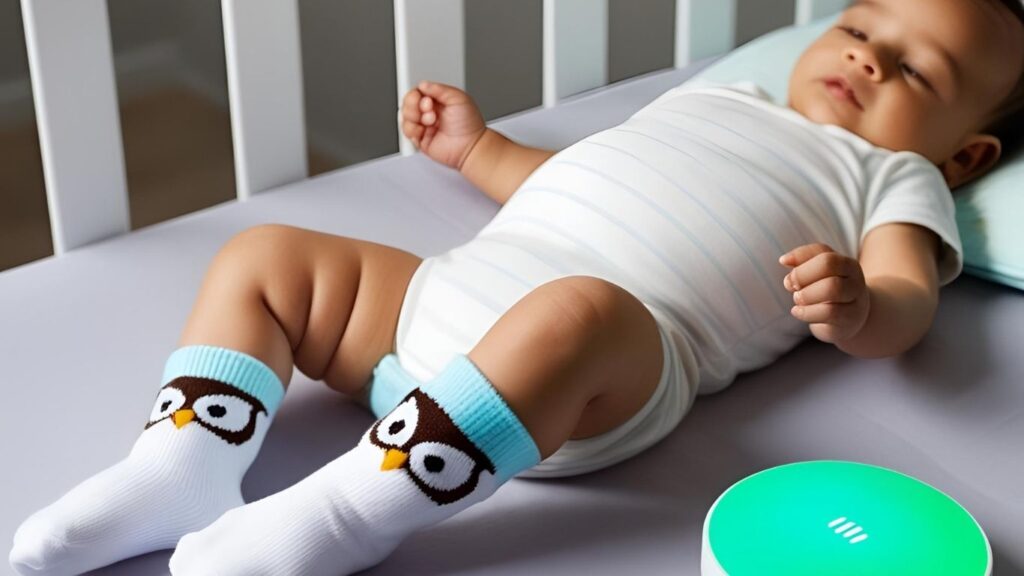
One night, during a power outage, I sat in the dark. The Owlet base station glowed green. I kept wondering—does Owlet work without WiFi?
As a mom, I count on that little sock. I’ve used it for months—at home, in hotels, and at grandma’s, where the WiFi is weak. So if you’ve ever typed “does Owlet work without WiFi” into Google—you’re not alone. I’ve done it too.
This guide breaks it all down. What still works. What doesn’t. And how to stay calm when your connection drops.
Let’s dive in—because when it’s about your baby, you need answers. Not guesses
Looking for the best charging cable for your Owlet Sock? Check this one on Amazon – fast, durable, and baby-safe.
The Owlet Sock: Does It Work Without WiFi?
Yes, it works—but not fully.
The sock tracks your baby’s heart rate and oxygen levels, even with no internet. But you won’t get phone alerts or app updates without WiFi.
Here’s what you need to know:
Data collection – Yes. The sock keeps tracking.
Owlet Cam video – No. You need WiFi to see live video.
Phone alerts – No alerts without a connection.
During a weekend at my mom’s house, I kept checking the app. Nothing showed. The green light on the base station was on, but my phone was quiet. I panicked a little.
Later, I learned the sock was still tracking. The app just couldn’t update because of the poor WiFi. That green light became my lifeline.
So—yes, the sock works offline. But you’ll lose updates and alerts. If your peace of mind depends on your phone, it’s good to plan ahead.
Will the Owlet Sock Still Track Without WiFi?
Yes, it will.
Even without internet, the smart sock keeps working. It watches your baby’s vitals and stores the data. Once WiFi comes back, the app updates.
Quick answer: The sock tracks offline. But you need WiFi for syncing and alerts.
Last summer, we stayed at a remote Airbnb. No signal. I stared at a silent app, worried. But the green light on the base station gave me comfort.
If something had gone wrong, it would have flashed red and beeped. That’s how you know the base station is reliable.
Bottom line: The sock still tracks. The base station still alerts. But you won’t get app updates until WiFi returns.
The Owlet Cam: Does It Work Without WiFi?
No, it doesn’t.
The Owlet Cam won’t show live video or sound without WiFi. It’s like a TV with no signal—connected, but blank.
I learned this on a road trip. I brought the Cam but had no signal in the mountains. I stared at my phone—nothing. I had to trust my ears and instincts.
.
Quick answer: No WiFi means no video, no audio, and no app access.
If you’re traveling to places with poor internet, the Cam may not help. It’s best for homes with steady connections.
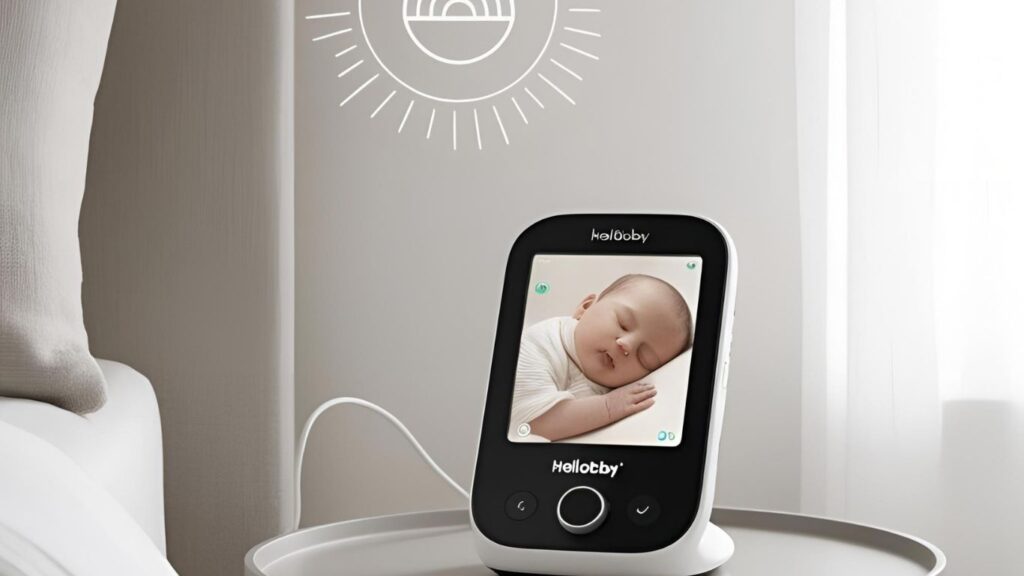
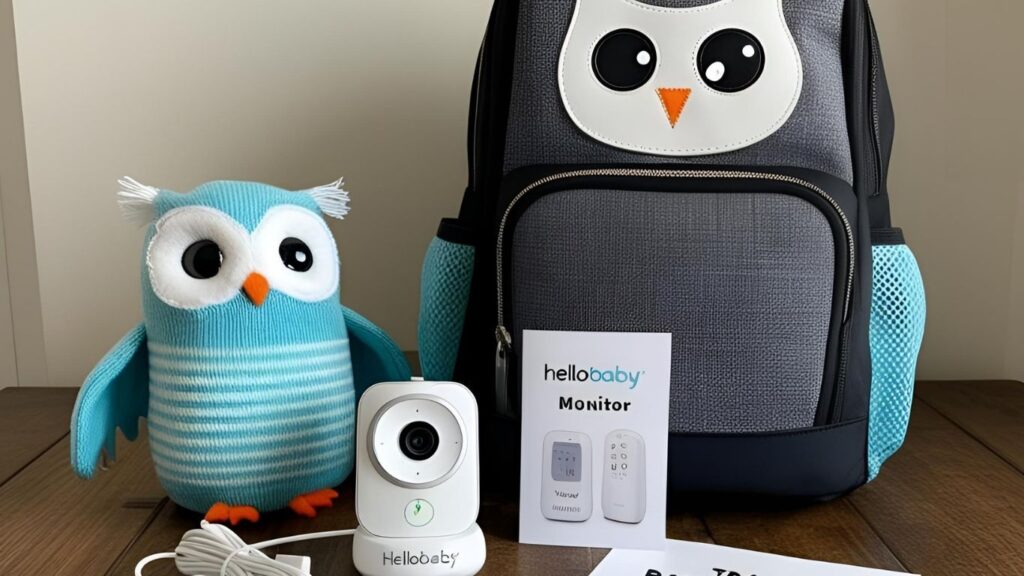
That’s why I always bring a backup. My favorite? The HelloBaby monitor. It needs no WiFi. Just plug it in and go.
Pro tip: Test your WiFi before you rely on the Cam. Or bring a backup, just in case.
.
What Works Without WiFi? A Quick Look
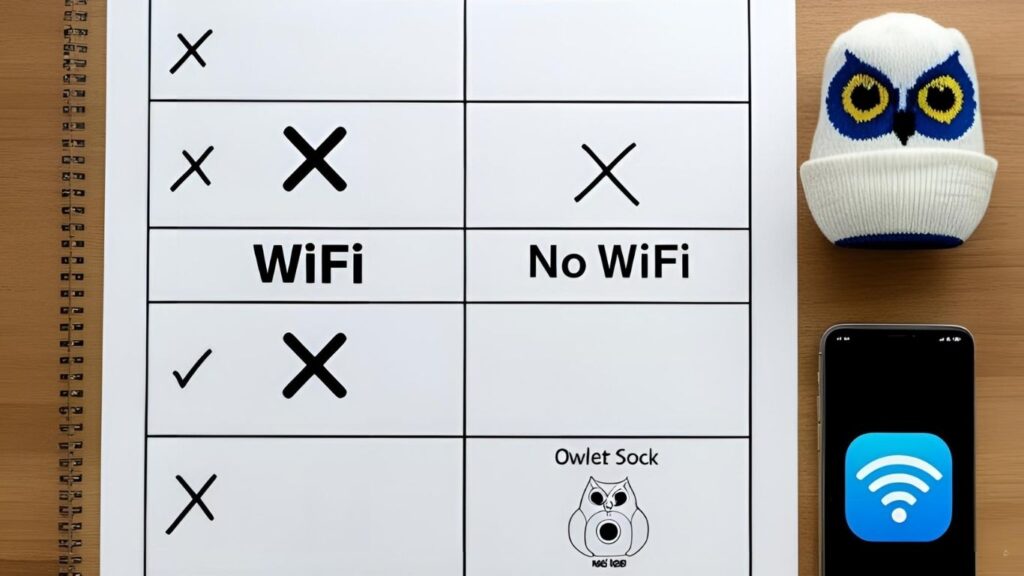
| Feature | Works Without WiFi | Needs WiFi |
|---|---|---|
| Owlet Sock sensor | Yes | |
| Base station alerts | Yes | |
| App live updates | No | Yes |
| Owlet Cam live stream | No | Yes |
In short: The sock and base station still work. But the app and Cam won’t.
When we stayed at a mountain cabin, I was thankful for the base station. The green light gave me peace, even when the app failed.
Bottom line: The Owlet Sock keeps tracking. But without WiFi, the Cam and app features go silent.
My Tips for Using Owlet Offline
2. Trust the Base Station
Tip: The base station works without WiFi.
During a stay in a small cabin, our internet dropped often. I was worried at first. But then I saw the green ring glowing. I knew everything was okay.
Place the base near your bed. That way, you’ll hear the alerts if needed—and you won’t have to check your phone all night.
3. Bring a Backup Baby Monitor
Tip: Always pack a backup that doesn’t use WiFi.
At my mom’s house, the Cam didn’t work. I grabbed my HelloBaby monitor. It worked right away. No app, no syncing—just video and sound.
Since then, I never travel without it. At my mom’s house, the Cam didn’t work. I grabbed my HelloBaby monitor. It worked right away. I used the HelloBaby monitor — no WiFi, no app. Just plug it in and go. It’s now my travel go-to.
Here are a few I recommend:
You can still feel safe using the Owlet Sock without WiFi—if you plan ahead.
1. Test the WiFi First
Tip: Always check the internet speed before settling in.
Use a speed test app. If it’s slow or keeps dropping, the Cam won’t work well. But the sock and base station will still help.
Sometimes, moving closer to the router helps. Ask your host if you’re in a hotel or Airbnb.
- VTech Digital Audio Monitor – Just audio. Great for hearing baby sounds.
- HelloBaby Monitor – Has a screen. No WiFi needed.
- Eufy SpaceView – Great video quality. No internet needed.
Bottom line: The Owlet Sock is helpful, even offline. Just test the WiFi, trust the base station, and carry a backup.
Baby Monitors That Don’t Need WiFi
Looking for a monitor that works anywhere? Here are my top picks:
VTech Digital Monitor – Audio Only
Why I like it: It’s basic but works well. No app. No setup. Just clear sound.
Best for: Parents who want something simple and easy to pack.
HelloBaby – Video Monitor
Why I like it: It shows live video with no WiFi. Just plug it in and go.
Best for: Trips, rural homes, or grandparents’ houses.
Eufy SpaceView – Video Without WiFi
Why I like it: Big screen. Clear video. No internet needed.
Best for: Parents who want video but don’t want to rely on an app.
Bottom line: You don’t need fancy tech to keep an eye on your baby. Sometimes, simple is better—especially when WiFi isn’t an option.
Perfect for parents who just want reliable sound without complexity.
No app, no stress. Just power it on and you’re good to go!
Get crisp visuals without connecting to the internet.
Not sure which one to choose? Click on each to learn more and see what suits your family best.
Can You Use Nanit Without WiFi?
Short answer: Not really.
I tried Nanit at a friend’s place. The WiFi was weak. Nothing worked. No video. No alerts. No sound.
Like Owlet, Nanit needs the app and WiFi to function. Some people say it can store sleep data offline—but you won’t see it in real time.
Bottom line: Nanit is great at home. But not so great off-grid. Bring a backup if you’re traveling.
FAQs
Can Owlet Sock track heart rate without WiFi?
Yes, the Sock tracks heart rate and oxygen levels offline and syncs later.
Will the base station alert me without WiFi?
it uses sound and lights for alerts even without an internet connection.
Does Owlet Cam record or save footage offline?
The Cam needs WiFi for all recording and streaming functions.
What’s the best baby monitor that doesn’t use WiFi?
Some reliable options include VTech and Eufy monitors with local video/audio.
Can I travel with Owlet if there’s no WiFi?
Yes, but only the Sock’s basic tracking works. Consider bringing a backup monitor.
Conclusion: Can You Really Trust Owlet Without WiFi?
Yes—you can trust the Owlet Sock to keep tracking your baby’s vitals, even without WiFi. But here’s the catch: the app and Cam need an internet connection to work fully.
Quick answer: The sock still tracks offline. The base station still alerts. But no app updates or live video without WiFi.
I’ve been there—staring at a silent phone, refreshing the app, feeling unsure. But the glowing green ring on the base station reminded me my baby was okay. That little light meant everything.
So here’s my advice, mom to mom (or parent to parent):
Test your setup before bedtime or travel.
Trust the base station—it’s your backup lifeline.
Bring a no-WiFi monitor for peace of mind.
We live in a tech world, but babies don’t wait for signals. Sometimes, simple is safer. Whether you’re off-grid, visiting grandma, or just dealing with spotty WiFi, you’ve got options.
Have questions? Tried Owlet in a tricky spot? Drop a comment below—I’d love to hear your story or help however I can. We’re in this together. We live in a tech world, but babies don’t wait for signals’
I’ve picked the best no-WiFi monitors—see them here on Amazon.

Pingback: Wifi Vs Non-wifi Baby Monitor: Which One Is Safer, Smarter, And Right For You?in 2025 - Moms Pal
Pingback: Why My Infant Optics Monitor Won’t Turn On — A Frustrating Fix - Moms Pal
Pingback: Vtech Baby Monitor Not Connecting? 7 Easy Fixes That Work