
Ever stared at your Nanit monitor, heart racing, and thought, “Why is my Nanit not working?” I’ve been there—watching the blinking red light and wondering if I missed some tiny step in setup. After spending countless sleepless nights troubleshooting, I learned that most issues are surprisingly simple once you know where to look. In this guide, I’ll share my real-life fixes, tips, and insider tricks to get your Nanit running smoothly again, so you can actually enjoy those precious nap times without the panic.
Common Reasons Your Nanit Baby Monitor Fails
From blinking red lights to app glitches, Nanit issues can be frustrating. I remember one evening, watching the monitor go dark while my little one was snoozing, and my heart just sank. After a few nights of trial and error, I realized most problems aren’t because the monitor is “broken”—they’re usually simple issues you can fix yourself. Here’s what tends to go wrong and how I’ve handled it.
Power and Cable Issues
One of the simplest yet sneakiest culprits is the power setup. Loose or damaged cords can make your Nanit go offline in a heartbeat. Even a slightly kinked cable behind a dresser can cause hours of panic—trust me, I’ve been there. Faulty outlets or old surge protectors are another common culprit. Quick fix: check all plugs and power sources, swap cords if needed, and ensure the outlet is live.
Snippet-friendly answer: A Nanit may stop working if the power cord is loose or the outlet isn’t supplying electricity.
Wi-Fi and Connectivity Problems
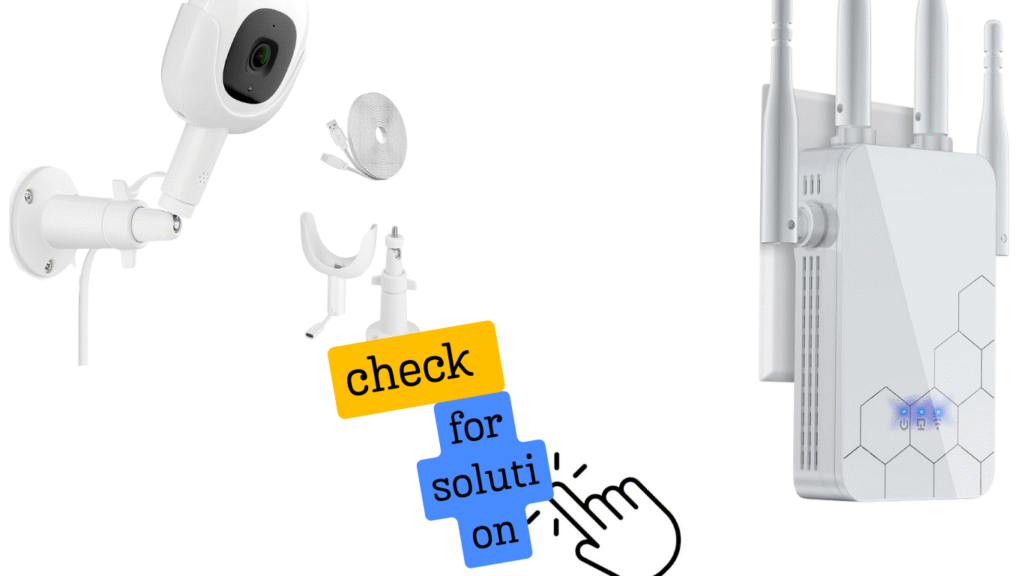
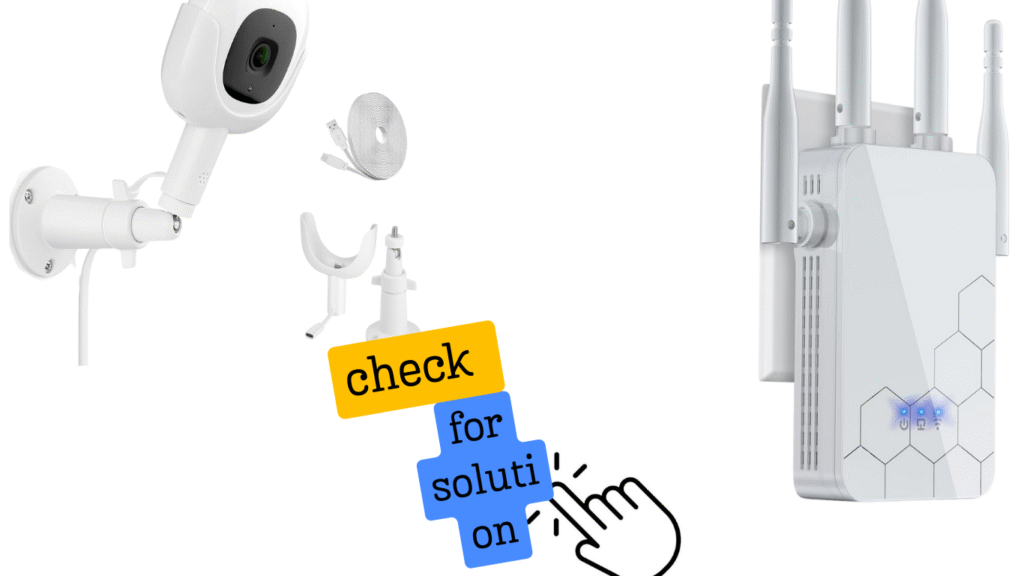
Weak Wi-Fi is a big one, especially if your nursery is far from the router. I once had my Nanit in a basement nursery, and the signal kept dropping—turns out, the concrete walls were acting like a brick Wi-Fi filter. Other electronics like microwaves or cordless phones can also interfere. Tip: a Wi-Fi extender or mesh network often solves these connection headaches.
Snippet-friendly answer: Nanit monitors may lose connection if the Wi-Fi is weak or blocked by walls or electronics.
App and Software Glitches
Sometimes the issue isn’t the camera—it’s the app. Outdated firmware or a crashed app can make your Nanit seem offline. I had a persistent “camera offline” error until a firmware update finally solved it. Restarting your device or reinstalling the app can work wonders.
Snippet-friendly answer: If your Nanit app is outdated or crashed, the camera may appear offline; updating the app or firmware usually fixes this.
Placement and Environmental Factors
Believe it or not, where you put the camera matters. Too low, too high, blocked by toys, or pointed at a bright window can make the monitor act up. I’ve also seen humidity and thick walls reduce signal strength. Small tweaks—like adjusting the angle or moving the camera a few feet—can restore normal function.
Snippet-friendly answer: Nanit may not work properly if the camera is poorly placed, blocked, or affected by sunlight or humidity.
What to Expect
When you contact Nanit support, the process is usually straightforward, but it helps to know what’s coming. Typical turnaround times for repairs or replacements in the U.S. are around 3–7 business days, though shipping can vary depending on your location. I once had a unit shipped from the West Coast to the East Coast, and it arrived in five days—faster than I expected!
Before sending your device, make sure to back up or save any recorded footage if possible. This way, those precious nap-time memories aren’t lost while your monitor is being fixed. Nanit support will usually guide you on secure packaging and shipping instructions, so following their steps keeps everything smooth and stress-free.
Snippet-friendly answer: Expect 3–7 business days for repairs or replacements, and always back up recorded footage before shipping your Nanit.
FAQs About Nanit Troubleshooting
How do I reset my Nanit camera?
To reset your Nanit camera, unplug it, then hold the reset button while plugging it back in. Keep holding until the light changes. This often fixes setup or connection issues fast.
Why does my Nanit keep losing connection?
Nanit usually loses connection due to weak Wi-Fi, distance from the router, or interference from walls or electronics. Moving the router closer or using a Wi-Fi extender often helps.
Can environmental factors affect Nanit performance?
Yes, things like thick walls, bright sunlight, humidity, or blocked lenses can affect Nanit performance. Small placement changes often restore a stable connection and clear video.
Is my Wi-Fi too slow for Nanit?
Your Wi-Fi may be too slow if speeds drop below 5 Mbps or fluctuate often. Nanit works best on stable home Wi-Fi, especially with fewer devices using bandwidth at once.
Pingback: Practical Nanit Pro Baby Monitor Reviews For New Parents - Moms Pal
Pingback: Nanit Pro Smart Baby Monitor & Wall Mount Reviews - Moms Pal